About Pvc Aadhar Card Printing Software
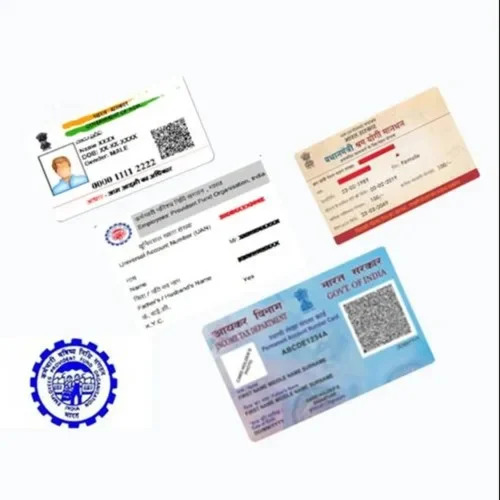
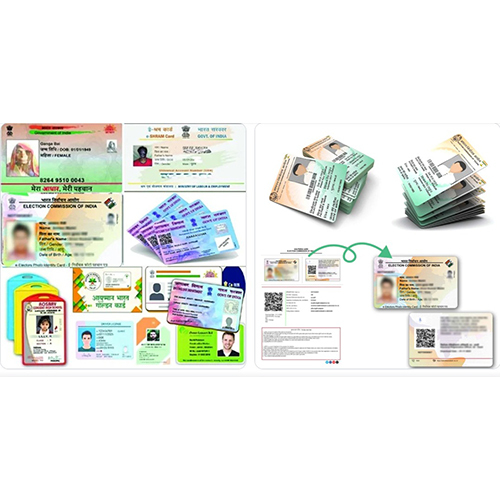
Experience peerless performance with our PVC Aadhar Card Printing Software-a must-have solution for service providers, suppliers, and traders across India. This ace software delivers towering value, allowing multi-user access and lifetime licensing. Its robust features include 3D print preparation and state-of-the-art data encryption, all housed within an intuitive GUI. Designed for desktop compatibility on Windows systems, you can grab yours today and enjoy secure, cloud-based deployment. With in-person training and a free trial download, this application delivers everything you need for seamless, professional-grade Aadhar card PVC printing.
Advanced Application for PVC Aadhar Card Printing
This software streamlines the method of printing high-quality Aadhar cards directly onto PVC cards, ideal for commercial bureaus and government service centers. Thanks to its simple graphical user interface, users can swiftly prepare and execute 3D prints with accuracy. The multi-user edition supports desktop deployment, making it perfectly suited for environments demanding rapid, bulk production in regulated settings.
Global Supply, Certifications, and Purchase Policy
Our PVC Aadhar Card Printing Software serves a broad export market including regions seeking secure ID card solutions. Certified to comply with data security standards, we outlay stringent quality controls before supply. Sample policies are available to ensure client confidence and all purchase orders are swiftly processed, guaranteeing a seamless acquisition experience for bulk buyers and single-license users alike.
FAQ's of Pvc Aadhar Card Printing Software:
Q: How does the software ensure the security of personal data during PVC Aadhar card printing?
A: The software incorporates robust data encryption features, ensuring that all sensitive information remains secure throughout the printing process.
Q: What devices are compatible with the PVC Aadhar Card Printing Software?
A: This software is designed exclusively for Windows-based desktop computers, providing optimal functionality and user experience on compatible devices.
Q: What is the process for installing and using the software?
A: After downloading the free trial, users can follow the guided installation process. In-person training is also provided to facilitate smooth onboarding and usage.
Q: Where can I access customer and technical support if needed?
A: Support is available directly from the supplier through in-person sessions, assuring hands-on assistance for installation and operation.
Q: What are the benefits of choosing the multi-user, cloud-based license?
A: The multi-user edition allows several staff members to operate simultaneously from desktops, while cloud-based deployment ensures data integrity and remote accessibility for administrators.
Q: When is in-person training provided for the software?
A: In-person training is typically scheduled after initial purchase or upon request, tailored to ensure users are fully versed in all features and processes.

 Send Inquiry


 Send Inquiry

 Send Inquiry